
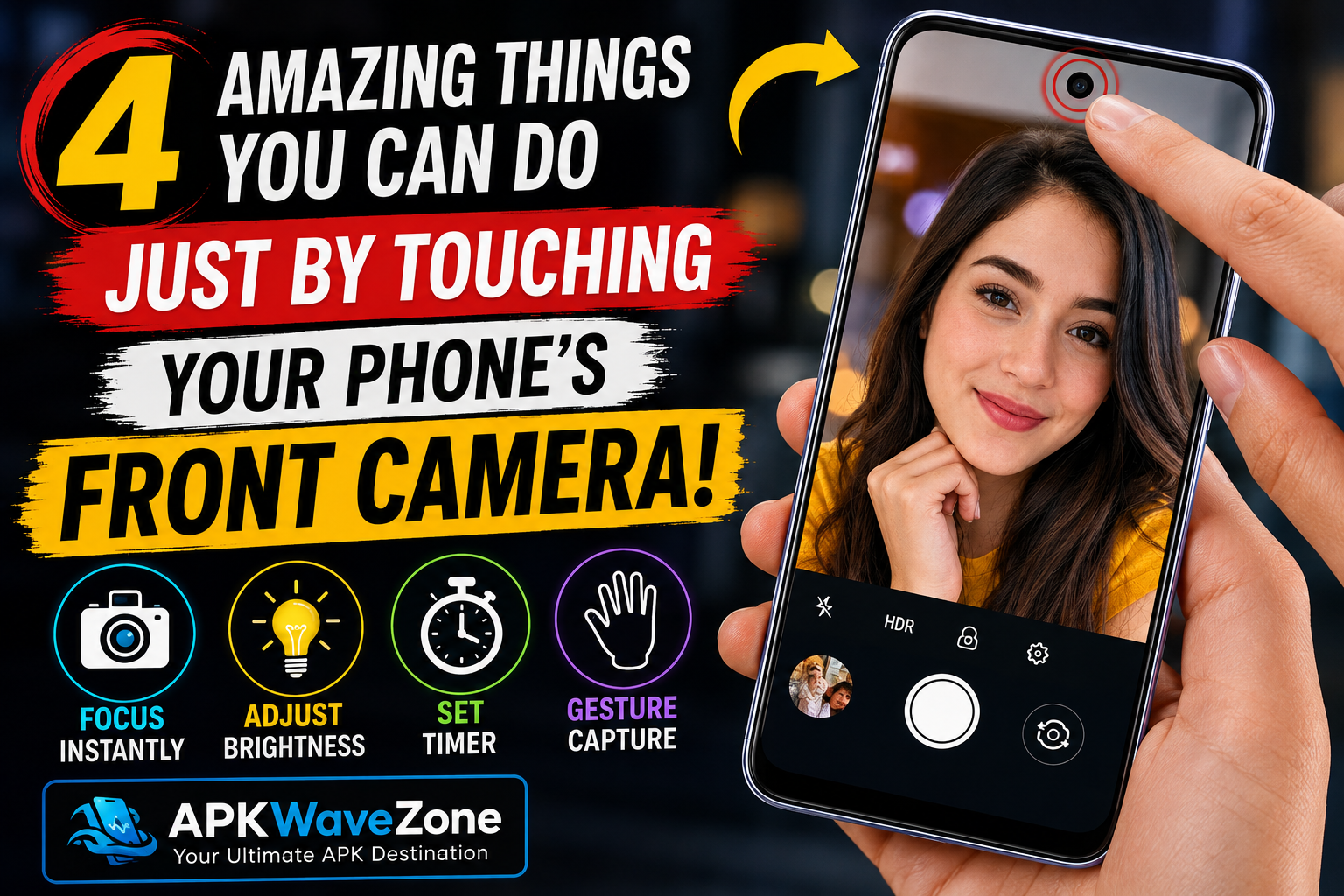
Modern smartphones are more powerful than ever, and every system update introduces new features that many users may not know about. The front camera is one of the most useful features on a modern smartphone. Most people use it to take selfies and record videos, but there are many other ways to get more from it.
With a few simple tips, you can take better selfies, adjust lighting, use the camera more quickly, and take photos without constantly pressing buttons. In this article, we’ll explore four useful things you can do with your smartphone’s front camera.
1. Use the Camera Quickly
One of the most useful features of a smartphone camera is the ability to quickly adjust focus when taking selfies. Sometimes, selfies can look blurry because the camera has not focused correctly on the subject.
To improve focus, simply tap the area of the screen where you want the camera to focus. On many smartphones, the camera will automatically adjust focus and exposure. This can help you capture sharper and clearer photos.
This feature is especially useful when taking selfies in challenging lighting conditions or when several people are in the frame. With a simple tap, you can improve the quality of your photos without needing additional editing.
Adjust Focus for Better Selfies
When taking a selfie, tap your face or the main subject on the screen. The camera will attempt to focus on that area and adjust the exposure accordingly.
This simple technique can make your selfies look clearer and more balanced.
2. Control Brightness With One Tap
Lighting plays an important role in photography. If a photo is too dark or too bright, it can lose detail and look less attractive.
Many smartphone camera apps allow you to adjust exposure directly from the camera screen. When using the front camera, tap the area or face you want to capture. You may then see an exposure control that allows you to make the image brighter or darker.
Adjust Exposure for Better Lighting
If your photo looks too dark, increase the exposure slightly. If the image looks too bright, reduce the exposure.
This is a quick and easy way to improve selfies and other front-camera photos, especially when you are taking pictures indoors or in low-light conditions.
3. Start Taking Photos Immediately
Many smartphone camera apps include features that make taking selfies faster and easier. Depending on your phone, you may be able to switch to the front camera quickly or use a self-timer to take photos without immediately pressing the shutter button.
A self-timer can be particularly useful when taking group photos or selfies from a distance. You can position your phone, select the timer, and then get into the frame before the photo is taken.
Some smartphones also include image stabilization, which can help reduce the effects of small movements and produce clearer images.
Use Self-Timer and Image Stabilization
The self-timer is useful when you want to take a photo without holding your phone. It also gives you time to position yourself correctly before the picture is captured.
If your smartphone supports image stabilization, it can further help reduce camera shake and improve photo quality.
4. Enable Hands-Free Photo Taking
Some modern smartphones offer hands-free camera features that allow you to take photos without directly touching the shutter button.
Depending on your smartphone model, you may be able to use gestures, voice commands, or other hands-free options to capture a photo. For example, some camera apps can recognize a hand gesture and automatically take a picture.
This feature is especially useful when your phone is placed on a tripod or positioned at a distance.
Take Photos Without Touching Your Phone
Hands-free photography is also helpful for group photos. Instead of rushing to press the shutter button and then getting into position, you can use a supported gesture or timer feature.
To check whether your phone supports this option, open the camera settings and look for features such as gesture capture, palm detection, voice control, or hands-free photography.
Why Is the Front Camera Important?
Once you understand the basic features of your smartphone’s front camera, taking better photos becomes much easier. You do not always need complicated settings or additional applications.
Simple actions such as tapping the screen to focus, adjusting exposure, using a self-timer, and enabling hands-free features can give you greater control over your photos.
These features can also be useful for people who regularly create content for social media platforms such as Instagram, TikTok, and YouTube.
The best part is that many of these features are already built into modern smartphones, so you may not need any additional tools or applications.
Final Thoughts
Your smartphone’s front-facing camera is more powerful than you might think. Although most people primarily use it for selfies and video calls, it can offer several useful features that can improve your mobile photography experience.
Learning how to adjust focus and lighting, use the self-timer, and take hands-free photos can make photography easier and more convenient.
The next time you use your front camera, try these simple tips. You may be surprised by how much more control you can get from your smartphone with just a few taps and simple settings.